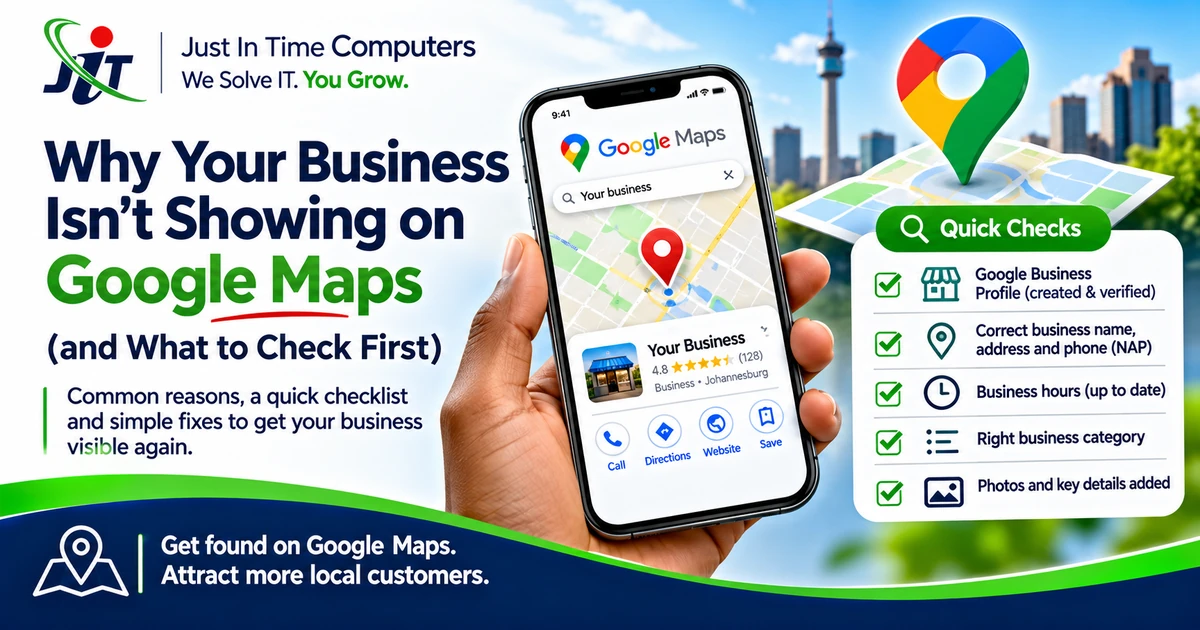
You've set up your business, added it to Google and perhaps even collected a few reviews. Then you search for the service you offer—and a competitor appears while your business seems nowhere to be found.
That doesn't always mean your listing is broken. Sometimes the issue is verification or missing information. Sometimes Google knows your business exists but considers other results more relevant to that particular search. Here's how to tell the difference before you start making changes.
First, distinguish two different problems
Your business cannot be found at all. Search for the exact business name and address or service area. This may indicate a profile, verification, eligibility or data issue.
Your business exists but does not rank for a broad search. Searching for “accountant near me” is different from searching for your firm's name. Google considers factors including relevance, distance and prominence, so a legitimate profile is not guaranteed a top position for every search.
1. Check that the profile is verified and accessible
Confirm that the business has a Google Business Profile and that an authorised person can manage it. If verification is pending or access is held by a former employee or agency, resolve that before changing everything else.
2. Check eligibility and the address setup
Businesses serving customers in person may qualify for a profile, subject to Google's rules. A service-area business that does not receive customers at its premises should not display an address simply to look more local. Avoid virtual or inappropriate addresses.
3. Review the primary category
Your primary category should accurately describe what the business principally does. Adding unrelated categories or stuffing keywords into the business name can create problems rather than improve visibility.
4. Make contact information consistent
Check the business name, telephone number, website, opening hours and relevant service information. Customers need accurate information, and conflicting details across the web can create confusion.
5. Complete the useful profile details
Add appropriate services, a clear business description and genuine photographs that help customers understand the business. Keep opening hours and holiday changes up to date.
6. Look at reviews and customer experience
Genuine reviews can help potential customers evaluate a business. Respond professionally to feedback and never buy reviews or offer incentives for positive ratings. Reviews are one part of a broader local visibility picture, not a shortcut to guaranteed rankings.
7. Check the website too
A Business Profile does not make the website irrelevant. Clear service pages, location information, contact details and useful content help customers decide whether to enquire.
8. Allow for distance and competition
A business may appear for searches close to its location but not across an entire city. Rankings can differ by searcher location and search wording. Test sensibly instead of relying on one search from one device.
Don't make ten changes at once
When visibility drops, it can be tempting to rewrite the business name, change categories and add more keywords in a single afternoon. That makes it harder to understand what actually helped—and some changes may create policy issues.
Keep a simple record of what you checked, what you changed and when. Start with accuracy and eligibility, not tricks.
What should you do next?
Document the issue before making multiple changes. Check whether the profile is accessible, verified, eligible and accurate; then identify which information or customer-facing details need improvement.
Start with the free Google Business Profile Health Check: https://jitc.co.za/google-business-profile-health-check
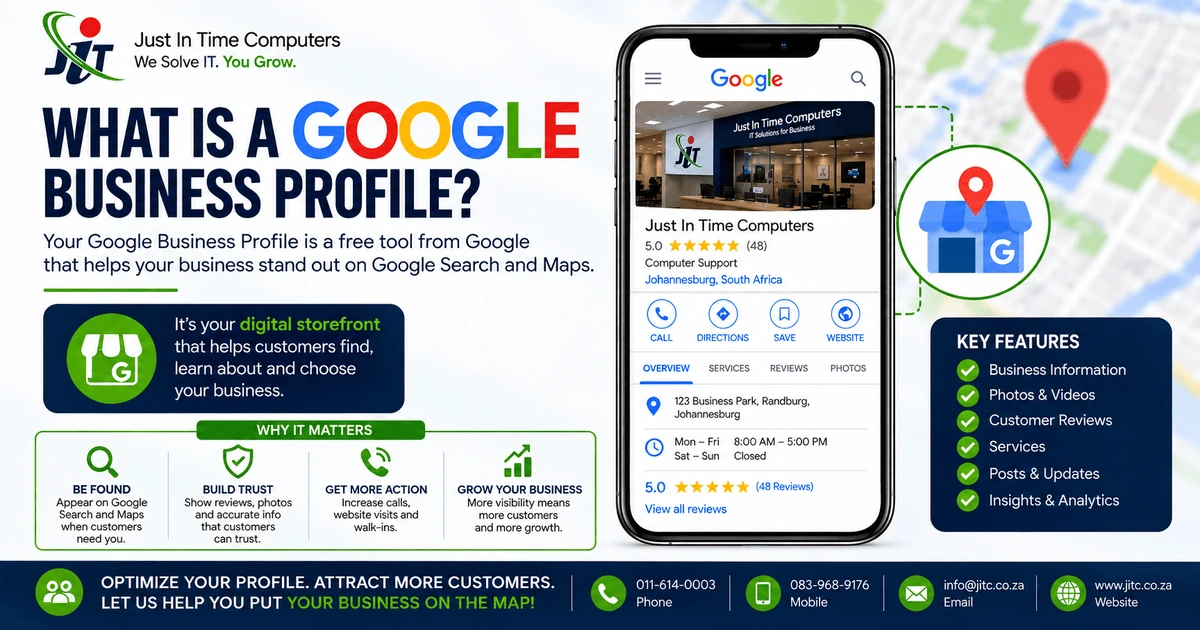
Further reading: Read our existing guide to what a Google Business Profile is.
Turn the insight into a practical next step.
JITC helps Johannesburg businesses make practical decisions about technology, online visibility and growth.
0 comments
No approved comments yet. Share a useful question, experience or perspective.
Leave a comment
Comments are reviewed before publication. Your email address is used for moderation only and is never shown publicly.