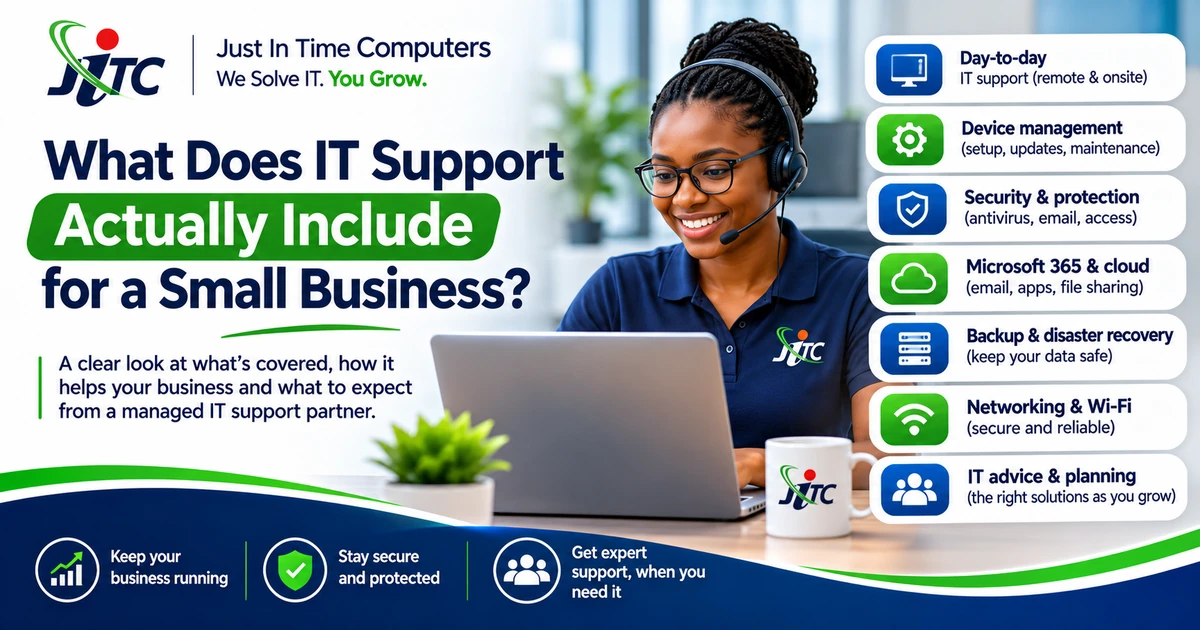
“Can you help when Outlook stops working?” is an IT support question. So is “Who makes sure a departing employee can no longer access our files?” But those two questions involve very different levels of responsibility.
That is why asking whether an IT company “does support” isn't enough. You need to know which everyday problems it will handle, which risks it will keep an eye on, and which tasks remain your responsibility.
Both needs are valid. The important part is agreeing on what support actually includes.
Everyday IT support: fixing problems when they happen
The foundation is assistance with common workplace issues: computers that will not connect, business email problems, Microsoft 365 questions, printer faults, software errors and basic network troubleshooting.
Remote assistance is often the quickest starting point. Some problems require an onsite visit, hardware replacement or specialist supplier involvement. These should be covered by clear terms rather than assumed to be included.
Proactive maintenance: looking for avoidable issues
A more involved service may include periodic checks of covered computers and systems, review of update failures, storage concerns and recurring faults, and recommendations for ageing equipment.
This is not a promise that nothing will break. It is a practical way to reduce avoidable interruptions and keep known issues from being ignored.
Security monitoring: knowing when attention may be needed
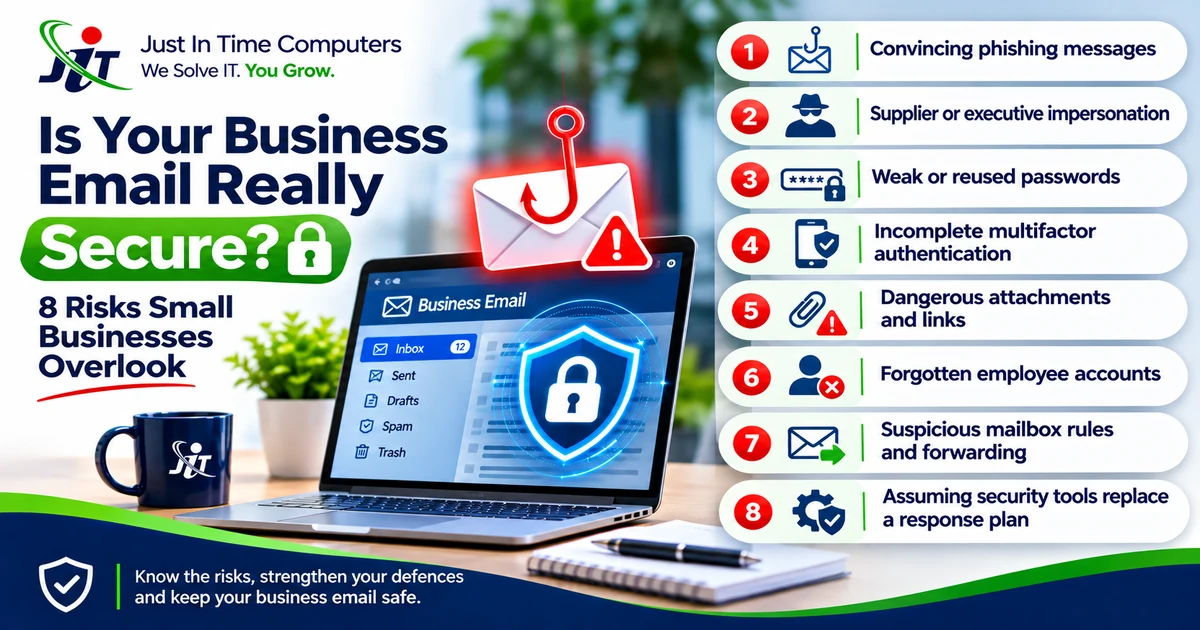
Security monitoring can provide visibility into potential risks affecting covered computers and business mailboxes. Alerts and reports are useful only when responsibility for reviewing and responding to them is clear.
Monitoring is not the same as preventing every threat, supplying every security licence or providing unlimited incident remediation.
Backup health reviews: checking the arrangements
A backup is only useful when it covers the right data and can be restored when needed. Backup health reviews may include checking available success/failure information, flagging gaps and recommending recovery testing.
Backup licences, storage, new deployments and full disaster recovery work are separate matters unless specifically included.
Employee account changes
When people join or leave, someone must create, change or disable approved accounts and manage access. Routine onboarding and offboarding can form part of a more comprehensive IT relationship, with authorisation and scope clearly defined.
Supplier coordination and technology planning
Sometimes an internet provider, software vendor or equipment supplier must help resolve an issue. Technical coordination can save the business owner time, but it does not mean the IT provider controls another supplier's response.
A periodic technology review can also help a business plan replacements, improve reliability and prioritise spending.
How JITC structures these levels
Business Care™ is organised into three levels:
- Essential: dependable help with everyday IT problems.
- Professional: support plus proactive maintenance, backup health reviews and ongoing security monitoring.
- Complete: broader IT care, including additional incoming email protection, routine employee access changes, supplier coordination, technology reviews and priority queue handling during agreed support hours.
The best fit depends on business needs, not simply the number of employees.
What this looks like in a growing office
Picture a small firm that hires three people over a few months. Someone must arrange their accounts, assign licences, help them access the right information and remove access when someone leaves. At the same time, an ageing laptop starts failing and the internet provider is slow to resolve a line fault.
A reactive helpdesk can assist with individual incidents. A broader managed service can also coordinate the related work and help the business plan ahead. The difference should be written into the agreement, not left to assumptions.
Questions to ask any IT provider
Ask which users and devices are covered, what response arrangements apply, whether onsite visits are included, what happens after a security alert, and which tasks are separately quoted.
Compare the Business Care™ options: https://jitc.co.za/solutions/business-care
Related reading: How Much Does Managed IT Support Cost in South Africa? — https://jitc.co.za/blog/managed-it-support-cost-south-africa
Turn the insight into a practical next step.
JITC helps Johannesburg businesses make practical decisions about technology, online visibility and growth.

0 comments
No approved comments yet. Share a useful question, experience or perspective.
Leave a comment
Comments are reviewed before publication. Your email address is used for moderation only and is never shown publicly.